Google Play closed testing · 12 testers · 14 days
12 testers for 14 days of closed testing, without chasing people
Get 12+ real Android testers for the 14-day closed-testing window. We coordinate official opt-ins, monitor participation, and provide a closeout report for your production-access application.
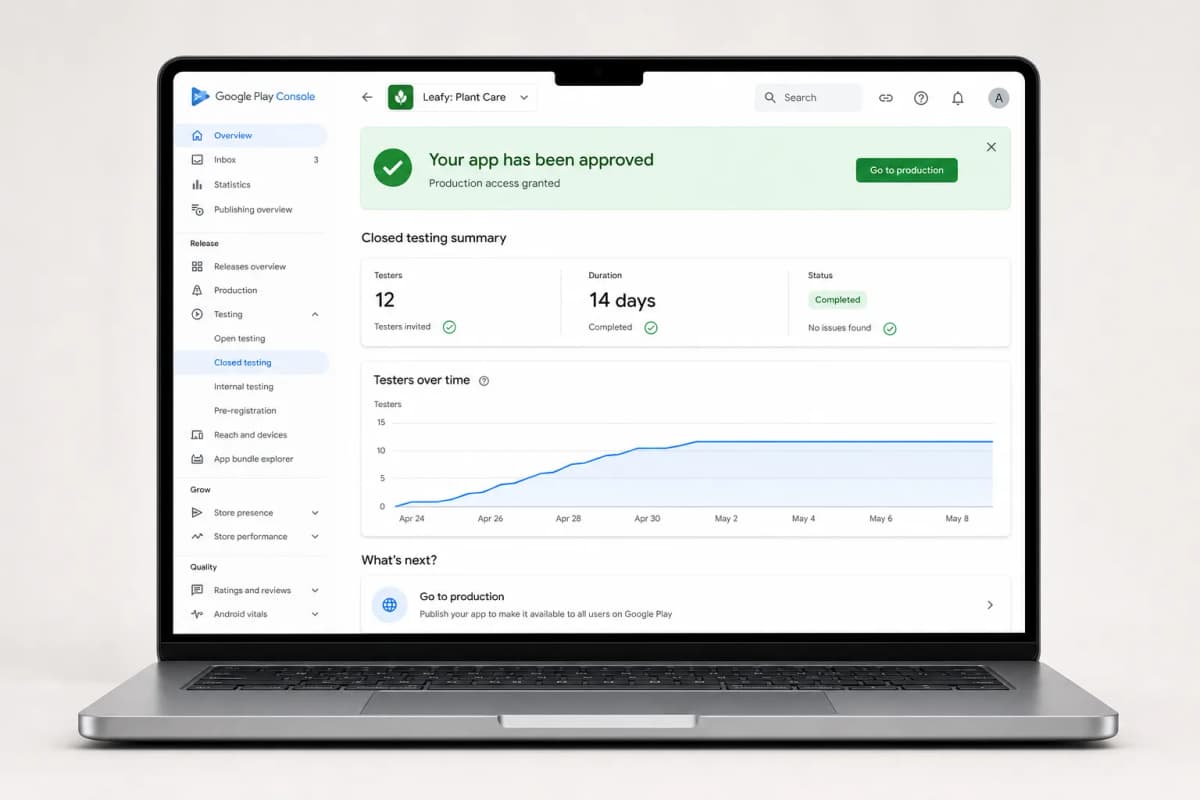
Trusted by developers, startups & agencies
The Google Play requirement
12 testers, 14 continuous days — here is how we complete it for you
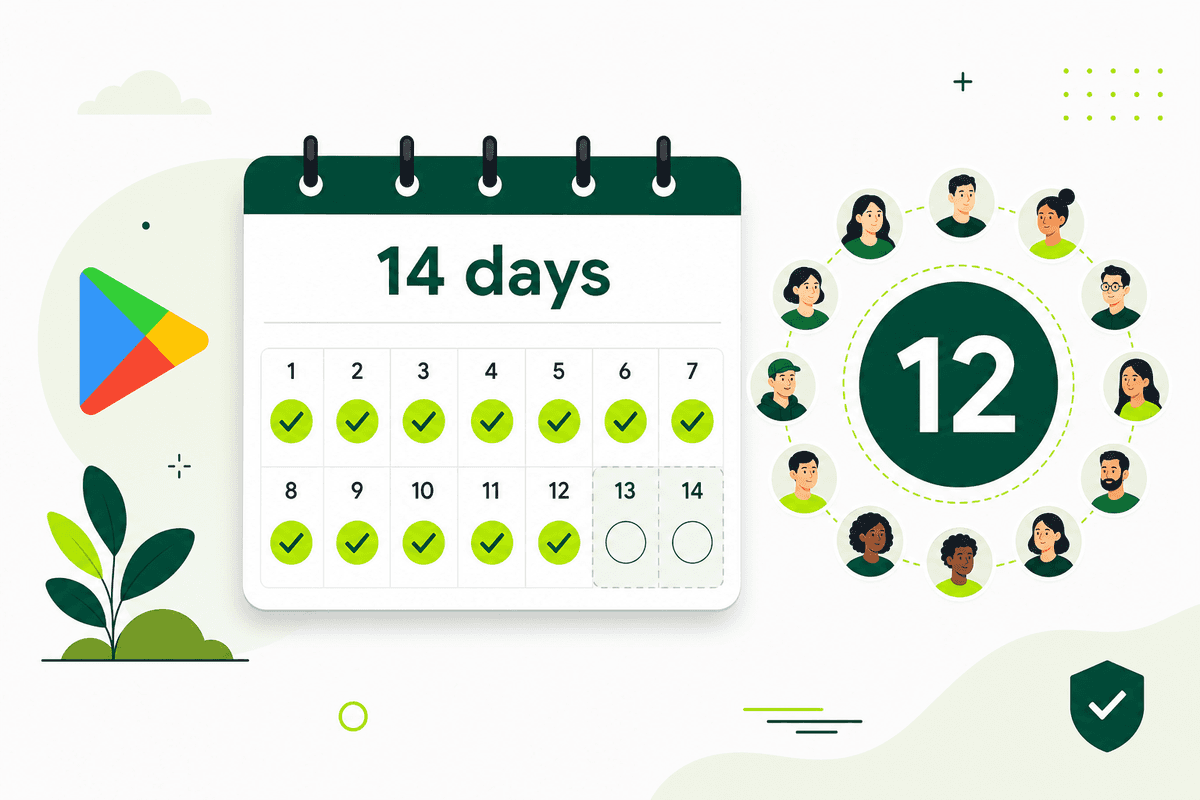
New personal developer accounts must run a closed test with at least 12 testers opted in for the last 14 days continuously before Google unlocks production access. If a tester drops out mid-window, the clock can reset. TestMyApps manages the whole run so that never happens.
Share your closed testing link
Send us your Play Console opt-in link and build details. We assign 12+ verified Android testers within about 24 hours.
All 12 testers opt in
Every tester joins through the official Play Store opt-in flow with a real Google account and installs on a physical device. The 14-day clock starts.
Continuous daily activity
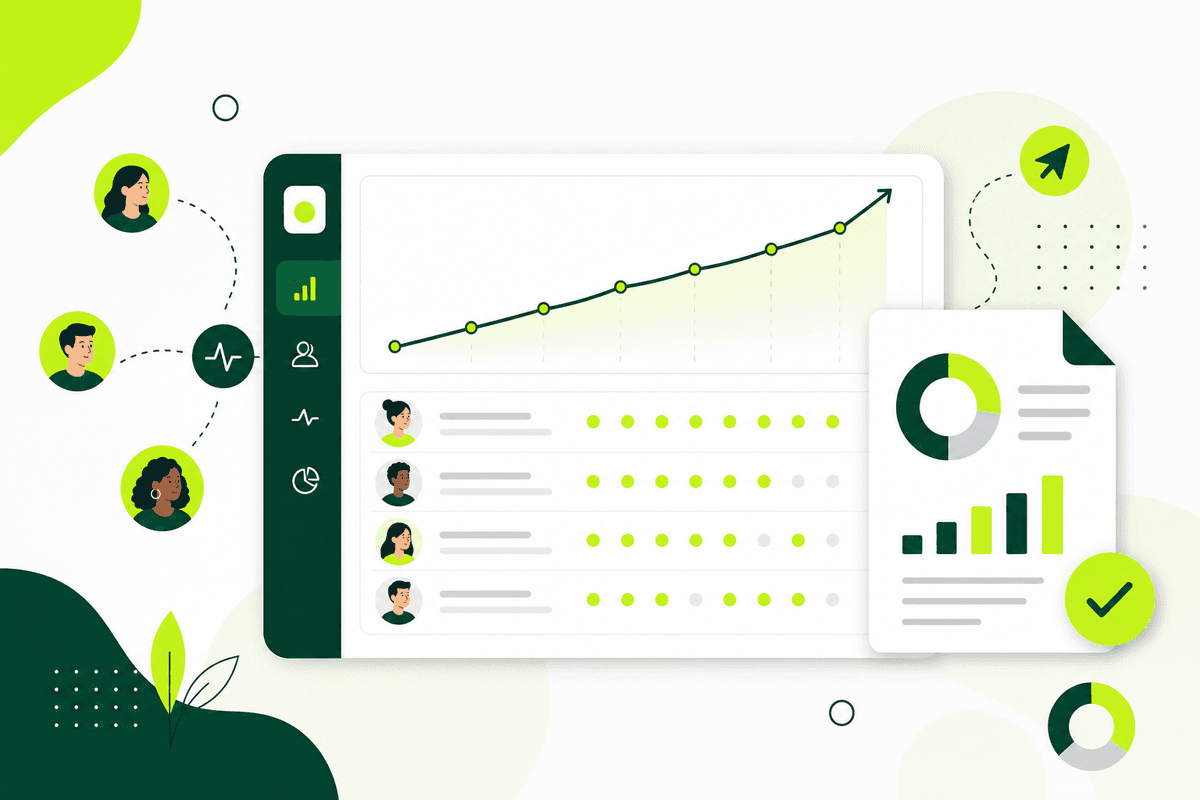
Testers stay opted in and use your app across the full window. We monitor the count so it never drops below 12 and breaks the streak.
Apply for production access
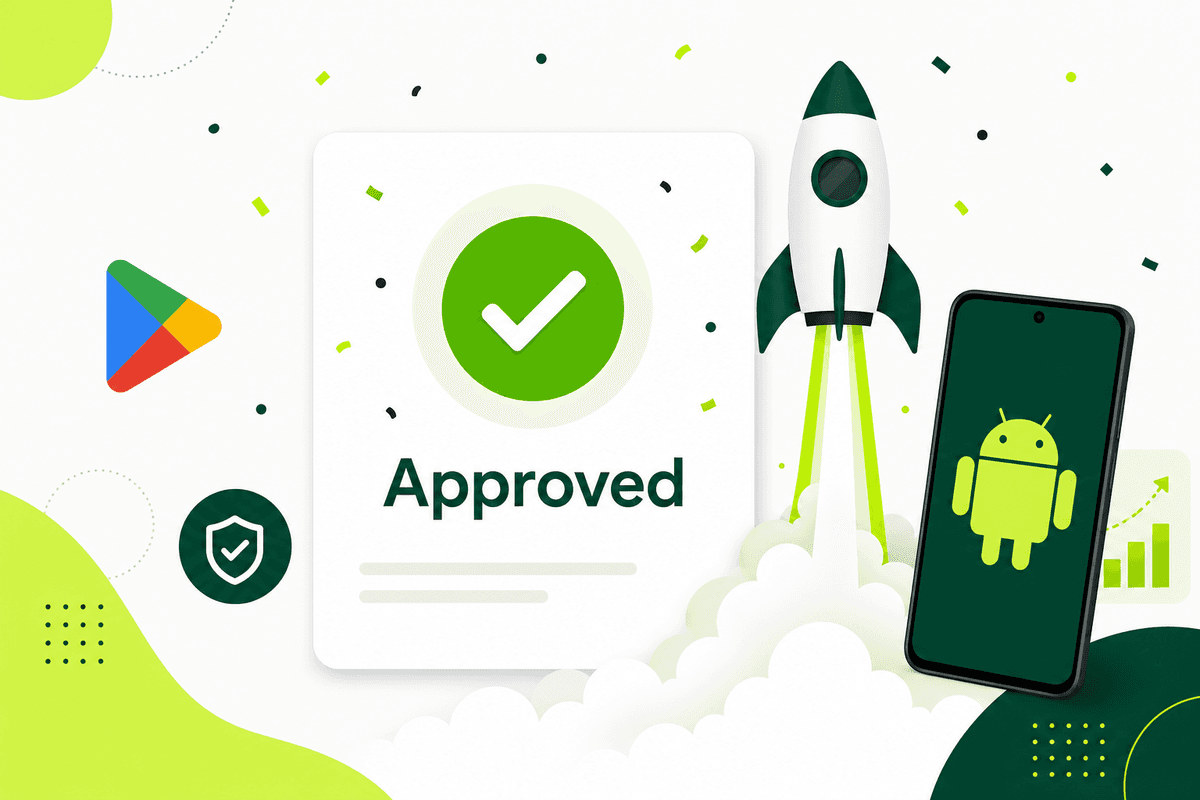
Your testing record shows 12+ engaged testers over 14 continuous days. Use our run report to answer Google's production access questionnaire with specifics.
Clear numbers, simple scope
Every run is designed around structured testing, real participation, and smoother preparation for store review.
12 testers
Verified opt-ins on every closed-testing run
14 days
Continuous window, monitored daily so the streak never breaks
~24 hours
Typical kickoff once your build and opt-in link are ready
Real devices
Physical Android phones — never emulators or bots
Guided support
Help with setup, progress, and the production access application
Reviews & Ratings
Public Play Store reviews & ratings
Boost your live listing with 20 public reviews from $15, or 30 from $29. Choose a package and pay when you submit.
You're shipping mobile apps.
Your testing workflow should not slow down release day.
TestMyApps helps you run structured testing with real people, verified participation, and clearer next steps for store-readiness. Instead of manually recruiting testers and tracking everything in scattered tools, you get one managed workflow.
Real device coverage
Run through real user environments so issues surface before store review - not after launch.
Closed testing support
Structured support for closed testing tracks so you can move toward approval with confidence.
Managed tester coordination
Invite-free testing runs with verified participants, guided setup, and clear status updates during the full test window.
Feedback you can act on
Collect tester notes and bug signals in a format your team can quickly review, triage, and use before submission.
Popular starting points
Start with the exact page that matches what you are trying to solve
These are the pages developers usually need first when they are trying to meet Google Play testing requirements, get real testers, or prepare an Android launch properly.
Get 12 testers for 14 days
The direct route to satisfying Google's closed testing requirement with managed testers.
Read: Get 12 testers for 14 daysGoogle Play closed testing
Commercial guide for the 12-testers-for-14-days requirement.
Read: Google Play closed testingGoogle Play testing requirements
Educational overview of what Google expects before production access.
Read: Google Play testing requirementsHow to test Android app before launch
Practical checklist for launch-readiness, real devices, and review blockers.
Read: How to test Android app before launchWorkflow, support, and release resources
Everything around the testing run should be just as clear as the price: onboarding help, tester coordination, reporting, and support when your team needs it.
Get 12 testers for 14 days
The complete service page for Google's closed testing requirement: what counts, what breaks the streak, and how a managed run works.
Explore Get 12 testers for 14 daysGoogle Play closed testing
Understand the 12-testers-for-14-days requirement, what a strong run looks like, and how managed coordination makes it easier.
Explore Google Play closed testingGet testers for Android app
See the fastest ways to find real Android testers and when it makes sense to move from manual recruiting to managed support.
Explore Get testers for Android appGoogle Play testing requirements
Get a simple explanation of the current requirement, who it affects, and what else matters before production access.
Explore Google Play testing requirementsWhat is Google Play closed testing?
Start with the definition, eligibility rules, Play Console setup, and the difference between testing tracks.
Explore What is Google Play closed testing?Internal testing vs closed testing
Compare speed, tester limits, production-access eligibility, and when to move from one track to the other.
Explore Internal testing vs closed testingProof in practice
Trusted by teams who need clear testing outcomes and faster approvals.
“Got my Play Store approval in days. The testers were fast and professional.”
Rahul S
Android Developer
“Much easier than finding testers manually. Everything is managed in one place.”
Ankit Verma
Startup Founder
“Bug reports were clean and useful. Helped us fix issues quickly.”
Priya N
Product Manager
“The 14-day window finished without a single tester dropping out. Production access came through on the first application.”
Daniel K
Indie Developer
“We shipped two apps through their closed testing runs. The status updates made it easy to plan our launch dates.”
Meera T
Agency Lead
“Clear pricing, real devices, and testers who actually used the app daily. Exactly what Google wants to see.”
Josh M
Mobile Engineer
Read more testing and release-readiness insights.
Visit the blogBefore you submit to the store
Need App Store or Play Store screenshots?
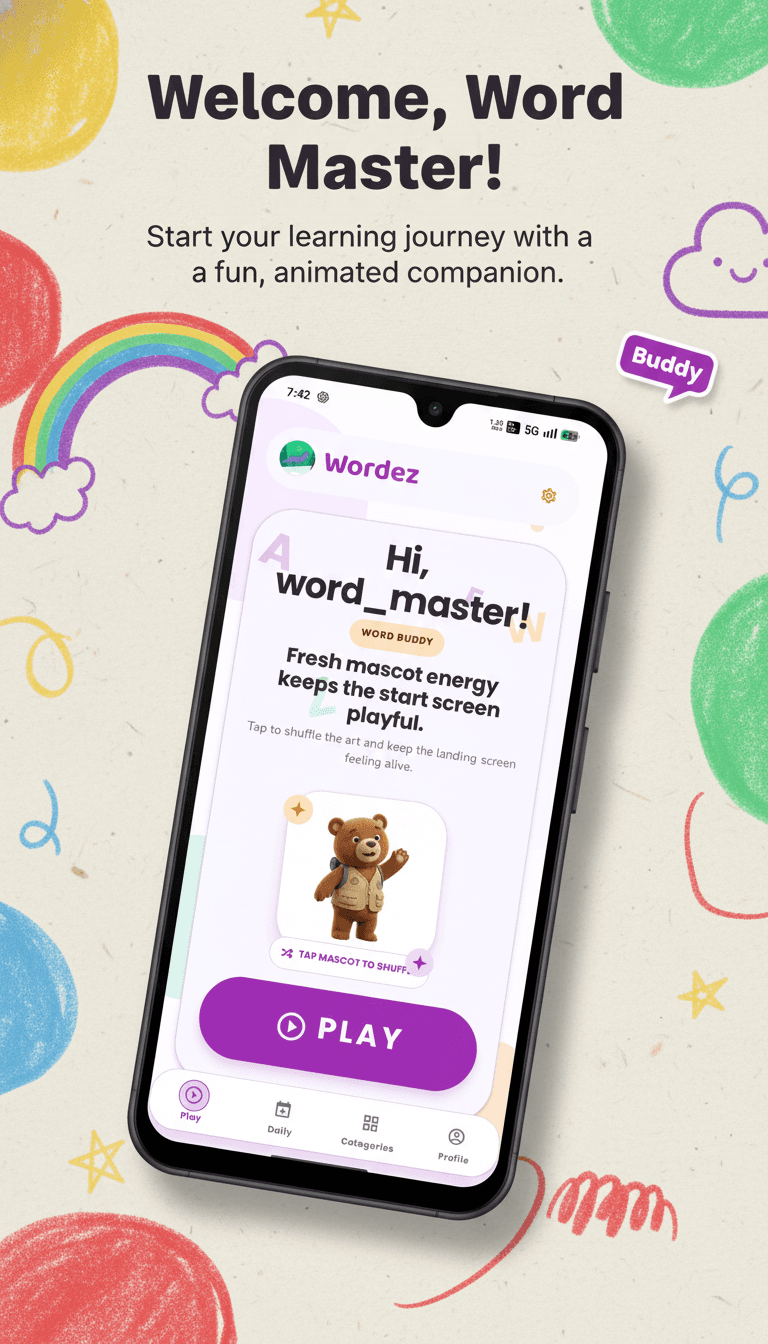
AI App Store and Play Store screenshot generator — upload raw app screens and export listing-ready PNGs. Upload raw app screens, preview one slide, then export listing-ready PNGs at App Store and Play Store sizes — from the same launch stack as StoreShots AI.
Sample store slide
Frequently asked questions
Answers about the 12-testers-for-14-days requirement, Google Play closed testing, and how TestMyApps fits your launch stack.
What is the Google Play 12 testers for 14 days requirement?
Google requires newly created personal developer accounts to run a closed test with at least 12 testers who stay opted in for 14 consecutive days before the account can apply for production access. Testers must be real people on real Android devices who join through the official Play Console opt-in flow — emulators, bots, and duplicate accounts do not count.
How does TestMyApps help me get 12 testers for 14 days?
TestMyApps provides real, verified Android testers who opt in through your Play Console closed testing link, install your app on physical devices, and stay active for the full 14-day window. You track progress in one dashboard instead of recruiting and chasing testers manually.
What happens if a tester drops out during the 14 days?
If the opted-in tester count falls below 12, the continuous 14-day window is at risk. TestMyApps manages tester coverage with buffer capacity so a dropout does not reset your testing timeline.
How quickly can a testing run start?
Most runs can be planned and kicked off within roughly 24 hours once your build, closed testing track, and opt-in link are ready in Play Console.
Do I need to recruit testers myself?
No. TestMyApps is built around managed tester coordination — verified Android testers, opt-in management, activity reminders, and progress reporting — so you focus on fixing bugs and preparing the production access application.
Does closed testing guarantee Google Play production access?
Completing 12 testers for 14 days satisfies the testing requirement, but Google also reviews your production access questionnaire, app quality, and policy compliance. TestMyApps reports give you concrete tester activity and feedback details to reference in your answers.
What is the sister product StoreShots AI?
StoreShots AI (storeshotsai.com) generates Play Store screenshots from raw app screens with AI ASO copy and export-ready dimensions. Many teams use TestMyApps for closed testing and StoreShots AI for listing assets before launch.
Is there a combined TestMyApps and StoreShots AI bundle?
Yes. The Launch Stack bundle is $24 for 1 TestMyApps testing credit plus 10 StoreShots AI screenshot credits. Opt in on WhatsApp or email — the team applies credits to both accounts after payment.
Does ClyroLabs build mobile apps?
ClyroLabs (clyrolabs.vercel.app) helps founders ship mobile apps from scratch. Mention app-build needs when you contact TestMyApps or StoreShots AI support.
With TestMyApps,
you get the essentials for release testing in one place.
Faster approvals - Meet the Google Play closed testing requirement without restarting the clock.
Real user insights - Get feedback from actual Android users, not just emulators.
Simple workflow - Everything in one dashboard, no need for multiple tools.
Scalable & secure - From one test run to 100+, scale as your app grows. Your app builds and data are handled securely.
Cleaner bug discovery - surface installation, usability, and edge-case issues earlier in the release cycle.
Less coordination overhead - one managed workflow instead of juggling spreadsheets, group chats, and tester recruitment.
Ready to test your app?
Start with 12 real testers, a managed 14-day window, and a clearer path to Google Play production access.
Start nowNeed help getting your app through store testing?
Talk to the TestMyApps team about onboarding, pricing, or store testing support